What it means
C-72 on a Samsung built-in wall oven means drain system related problems. The manuals give no steps for it, so book a visit rather than running the oven through it.
Samsung oven C-72 / Water and drain
C-72 on a Samsung built-in wall oven means drain system related problems. The manuals give no steps for it, so book a visit rather than running the oven through it.
Also shown as C-72
C-72 on a Samsung built-in wall oven means drain system related problems. The manuals give no steps for it, so book a visit rather than running the oven through it.
Turn the breaker off before you go behind a panel; wiring is work for a technician.
C-72 returns.
Your Samsung checks, remembered on this device
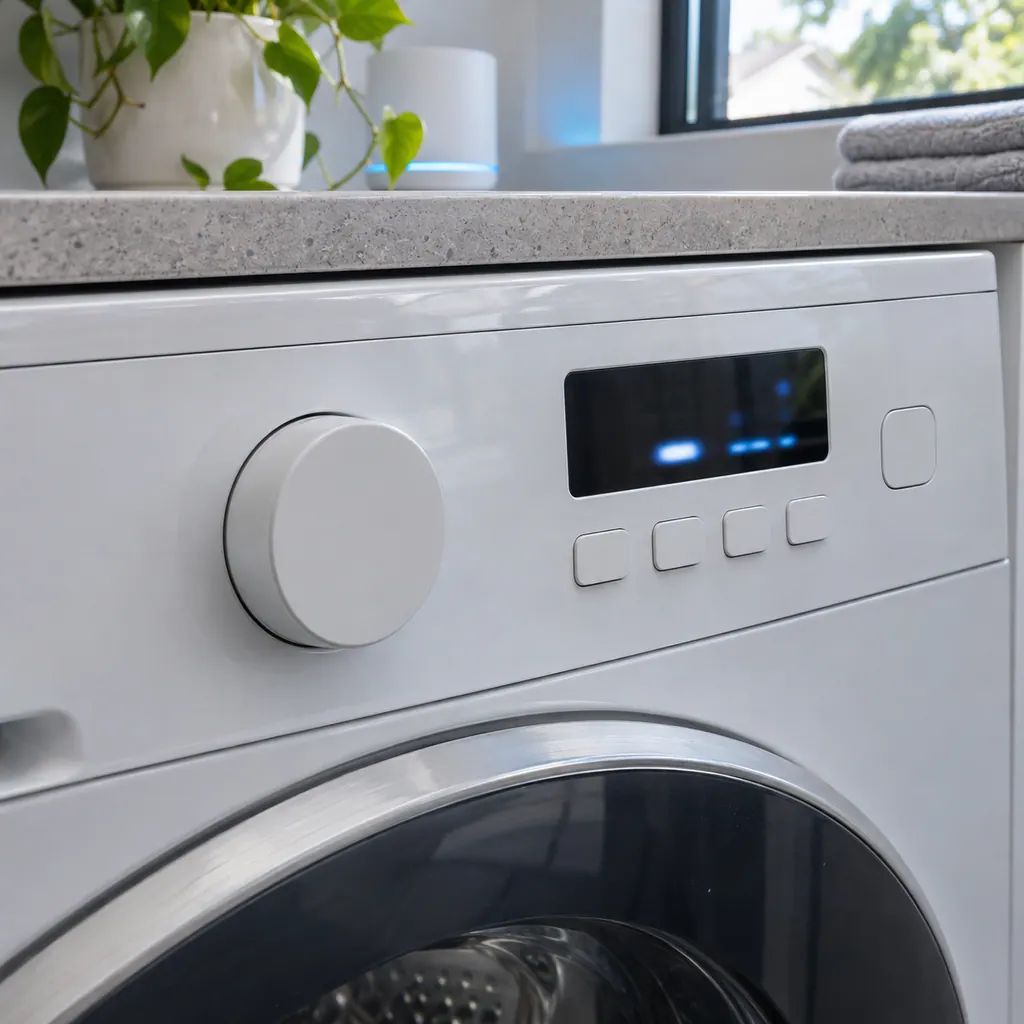
Compare the display with C-72 one character at a time: Samsung writes it with a capital C, a hyphen, the digit 7 and the digit 2.
Let the oven cool.
Check the base and any tank area for standing water.
No steps are printed.
Tell us your model and the checks you have already run, then open your request from this spot.
Book a visitThis is a sketch, because the inside of a Samsung changes from model to model. Tap an outlined part for its photo and the matching check.
For C-72, both wall oven manuals say there are drain system related problems, with no separate solution printed.
Read the supporting manualWith C-72 showing, turn the oven off, let it cool, and look for water collected at the base or in any tank area. The manuals give no steps.
Read the supporting manualSafety with C-72: Water near the electrics is a hazard. Keep the oven off until it has been checked.
Read the supporting manualC-70 (steam sensor) differs from C-72 by a single character, and Samsung lists it as a separate entry for this wall oven. C-A2 (cooling motor) differs from C-72 by a single character, and Samsung lists it as a separate entry for this wall oven.
Read the supporting manualManufacturer document
Samsung Electronics America (official manual PDF, downloadcenter.samsung.com)
DG68-00856A-03, printed footer 2018-08-29; PDF modified 17.04.2019; carries Warranty (U.S.A) on the same page as the code table (p59) / PDF p59
Manufacturer document
Samsung Electronics America (official manual PDF, downloadcenter.samsung.com)
Samsung user manual PDF created 15.01.2026 (no printed revision code on the cover) / PDF p65
Scope: NV51**700D** built-in electric wall ovens (NV7000C series); NV51K7770D* built-in electric wall ovens. Source: Built-In Electric Wall Oven User manual NV51K7770D*; Built-In Electric Wall Oven User manual NV51**700D**, checked November 2026.
Both wall oven manuals say there are drain system related problems, with no separate solution printed.
Nothing beyond naming the problem. The table gives a cause and no solution.
Read it as a capital C, a hyphen, the digit 7 and the digit 2. Samsung's wall oven list has no other row with these characters.
Book a visit with us; the manuals print no home steps for this code.
Samsung codes, symptoms, parts, house calls
C-d0 on a Samsung built-in wall oven means the control key is shorted for 1 minute. Wipe the buttons clean, dry any water on or around them, then switch the oven off and try again.
If food bakes or roasts poorly in a Samsung wall oven, the manual looks first at controls set incorrectly, a rack in the wrong place or not level, and wrong cookware. An oven that runs too hot or cold may need its thermistor adjusted in Settings, Adjust Temp. Low voltage can also slow broiling.
Book a diagnostic for your exact model, carried out beside the appliance.
Office details, and the access notes to send us.