Read the whole display
Give the exact characters on the display and the model number.
Model-specific code library
We decode 1 freezer code and messages, each with its own anchored row.
When the temperature display blinks, the Samsung one-door freezer is flagging that it warmed up, usually after a power cut or on first start-up. Press Temp. to see the warmest point reached for 5 seconds. Check frozen food before you refreeze or eat it.
Read the Blinking temperature display checks2 researched freezer codes. A Samsung code can mean different things on different models, so trust the booklet for yours.
When the temperature display blinks, the Samsung one-door freezer is flagging that it warmed up, usually after a power cut or on first start-up. Press Temp. to see the warmest point reached for 5 seconds. Check frozen food before you refreeze or eat it.
Owner checks firstoF on a Samsung one-door freezer is Cooling Off mode, also called Shop mode, for retail display. The fan motor and lights run but the compressors do not, so it does not get cold. Press and hold Temp., Fridge and Lock together for 5 seconds to turn it on or off.
Information only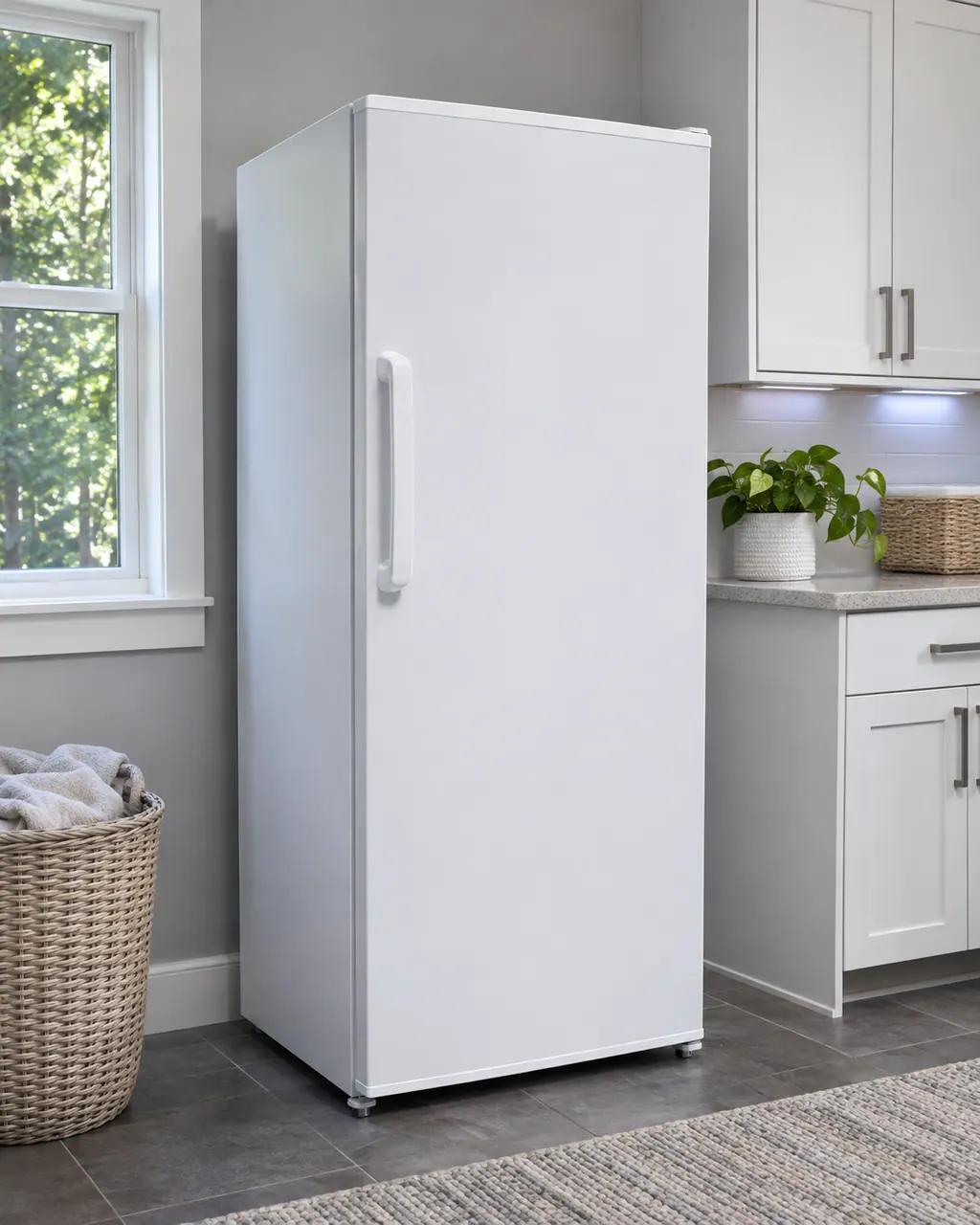
We decode 1 freezer code and messages, each with its own anchored row.
The one-door BESPOKE freezer manual prints only the Cooling Off mode display. A blinking temperature display is not printed as text there.
Give the exact characters on the display and the model number.
Unplug the freezer before you open any panel, and check how cold the food is.
If a Samsung freezer is silent, look at the plug first, then the temperature dial, then whether it stands beside heat or in strong sun. A warm freezer often has too little clearance or is overloaded with food blocking the vents. Fix those and book us in if it stays warm.
Frost around the vents of a Samsung freezer usually means food is in their way. Frost on the walls suggests a door not closed properly or a dirty gasket, and frozen fruit or vegetables mean they sit in the Fresh/Chef Zone, which is meant for meat and fish. Condensation comes from an open door or moist food.
Follow the user manual for your exact model. See how we research these pages.
The one-door BESPOKE freezer manual prints only the Cooling Off mode display. A blinking temperature display is not printed as text there.
Take one clear photo of the whole freezer screen and another of the model label. Note what the appliance was doing when the message came up, and do not lean on what another appliance's message means.
An old search phrase is no proof from the manufacturer. If our freezer documents never explain a message, we show its name and send you toward help, without blaming any part.
Open a manufacturer document from this freezer library and check that the model on its cover is the one on your label. A different model has its own user manual.