Model-specific code library
Samsung dryer User interface codes
7 printed codes in this group: 6C2, 6E, 6E2, bC2, bE, bE2, CL.
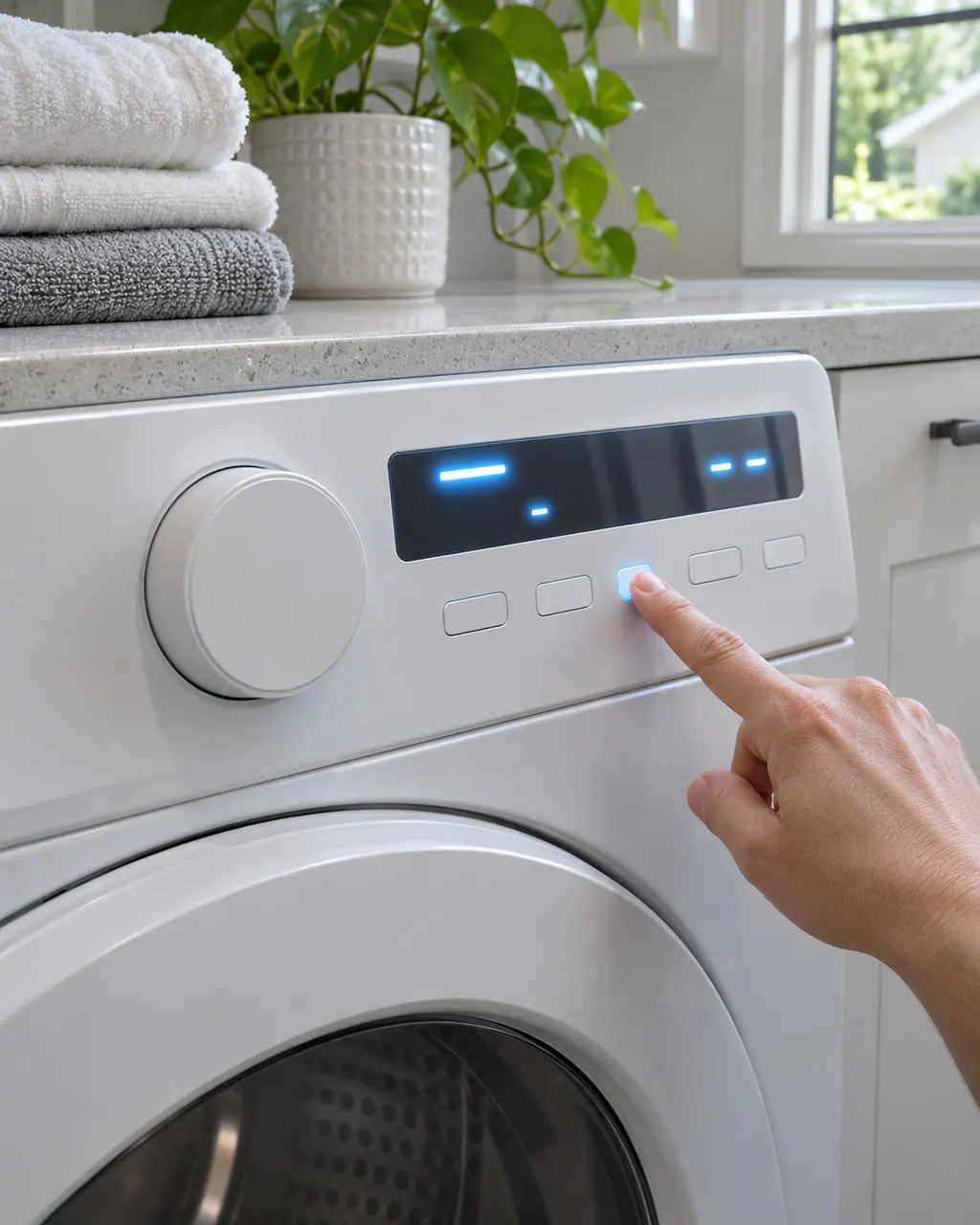
User interface codes
6C2 is a jammed-button error on a Samsung dryer: a panel button is detected as stuck. Power off and touch and release every button, working each back and forth. Book a technician with us if a button is damaged or the code returns.
Check, then book6E is a jammed-button error on a Samsung dryer: a panel button is detected as stuck. Power off and touch and release every button, working each back and forth. Book a technician with us if a button is damaged or the code returns.
Check, then book6E2 is a jammed-button error on a Samsung dryer: a panel button is detected as stuck. Power off and touch and release every button, working each back and forth. Book a technician with us if a button is damaged or the code returns.
Check, then bookbC2 is a jammed-button error on a Samsung dryer: a panel button is detected as stuck. Power off and touch and release every button, working each back and forth. Book a technician with us if a button is damaged or the code returns.
Check, then bookbE is a jammed-button error on a Samsung dryer: a panel button is detected as stuck. Power off and touch and release every button, working each back and forth. Book a technician with us if a button is damaged or the code returns.
Check, then bookbE2 is a jammed-button error on a Samsung dryer: a panel button is detected as stuck. Power off and touch and release every button, working each back and forth. Book a technician with us if a button is damaged or the code returns.
Check, then bookCL on a Samsung dryer shows that Child Lock is on. It disables the control panel buttons, and on some models locks the door. Turn it off following Samsung's Child Lock guide.
Information only