What it means
0C is Samsung's over-level water error on a dishwasher: there is more water in it than there should be. Samsung points to its drain and overflow guide. Book a technician with us if it persists.
Samsung dishwasher 0C / Water and drain
0C is Samsung's over-level water error on a dishwasher: there is more water in it than there should be. Samsung points to its drain and overflow guide. Book a technician with us if it persists.
Also shown as 0C
0C is Samsung's over-level water error on a dishwasher: there is more water in it than there should be. Samsung points to its drain and overflow guide. Book a technician with us if it persists.
Cut power to the dishwasher at its breaker before you reach into the base or behind a panel, and clear up any standing water first.
0C returns after those checks.
Your Samsung checks, remembered on this device
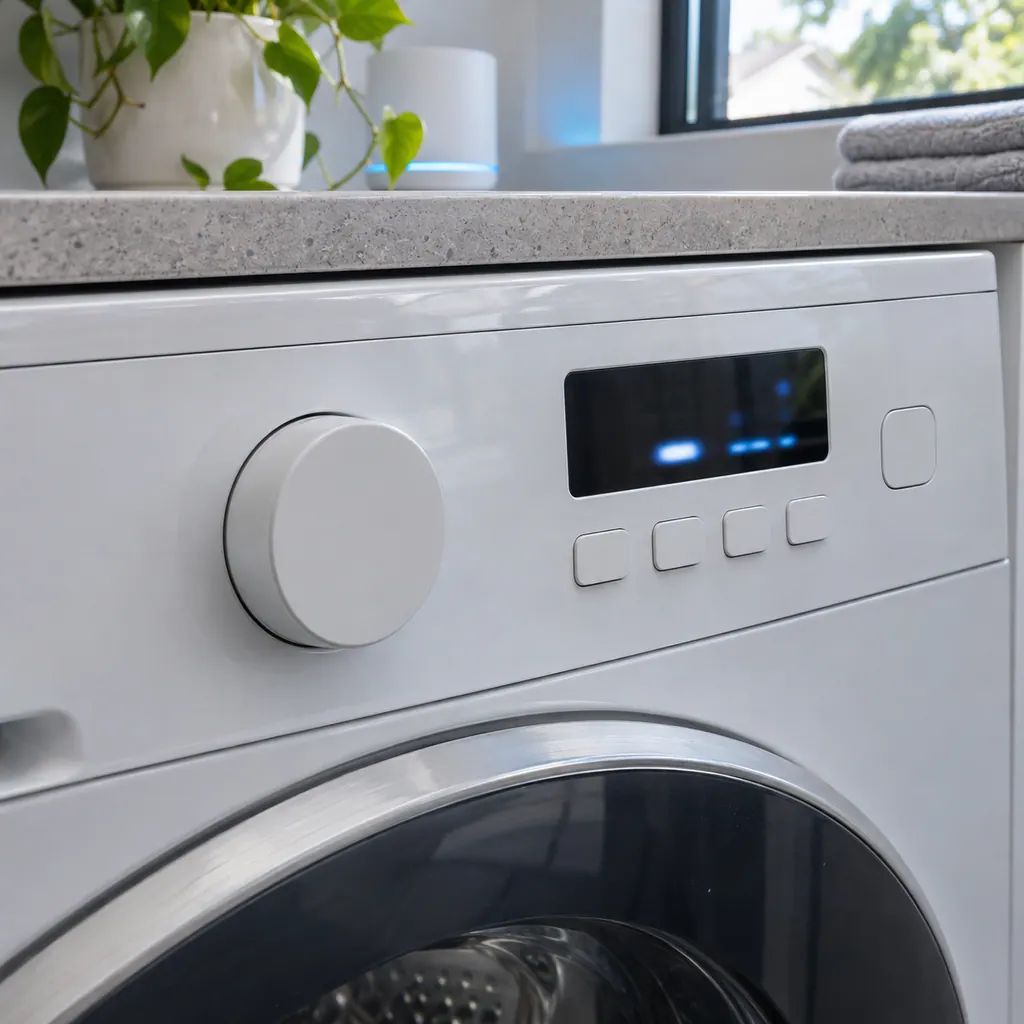
Compare the display with 0C one character at a time: Samsung writes it with the digit 0 and a capital C.
Cut power at the breaker and remove standing water.
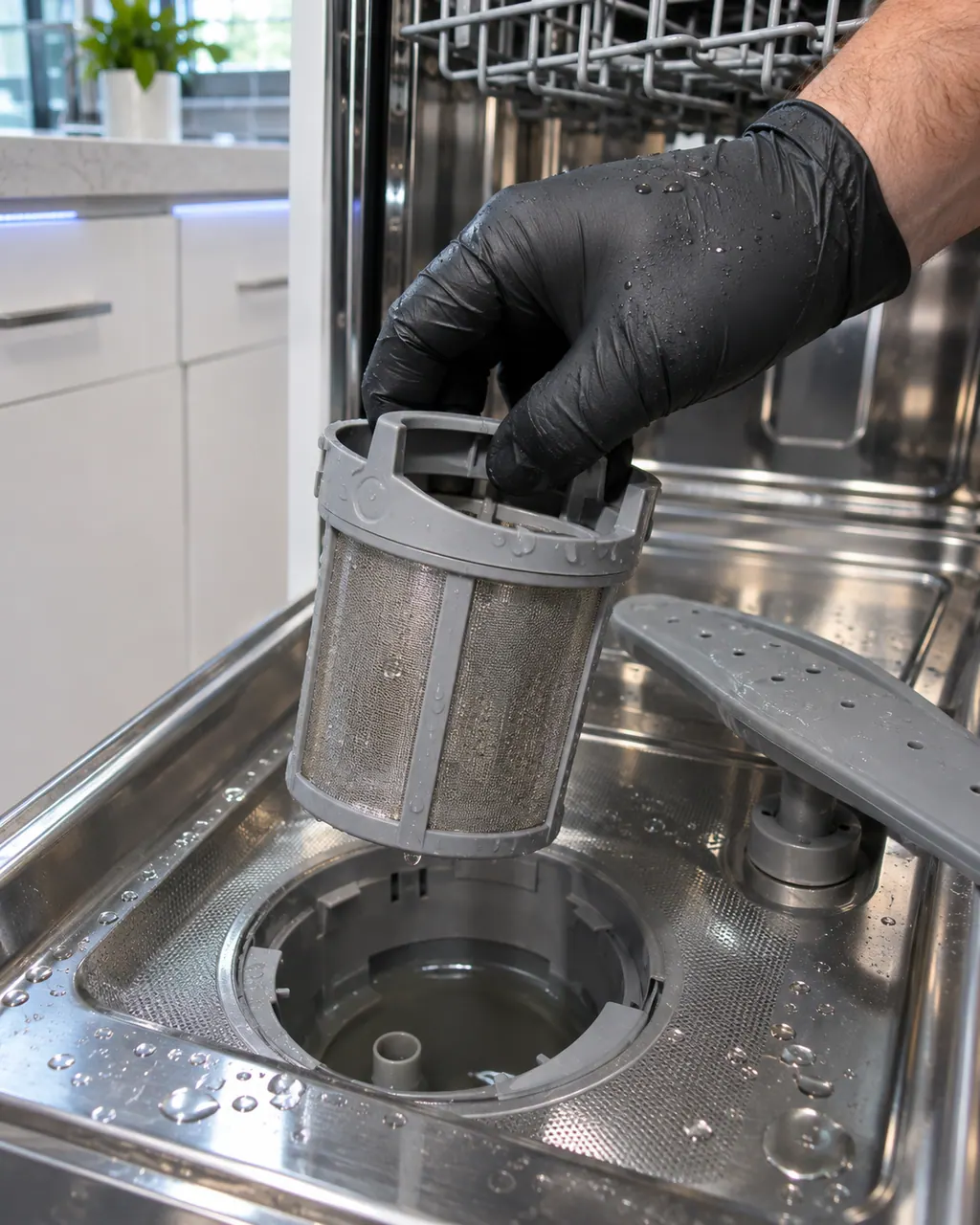
Look for a kinked drain hose or a clogged filter.
Make sure the supply valve is not letting water in while the dishwasher is off.
Tell us your model and the checks you have already run, then open your request from this spot.
Book a visitThis is a sketch, because the inside of a Samsung changes from model to model. Tap an outlined part for its photo and the matching check.
Samsung says there is more water in the dishwasher than there should be, and refers to its guide for drain and overflow errors.
Read the supporting manualSwitch off at the breaker, bail out standing water, then check the drain hose and filter, following Samsung's drain and overflow guide.
Read the supporting manualExtra water can reach electrical parts. Switch off at the breaker and remove the water before inspecting.
Read the supporting manualOC differs from 0C only by a look-alike character, 0 against O. Samsung lists both under Over-level water error, so they carry the same meaning. The same characters also appear on a washer, where Samsung ties it to Overflow error. Check which appliance you are standing in front of.
Read the supporting manualManufacturer document
Samsung Electronics America (official US support article, samsung.com/us)
page meta date 2026-05-01; no printed revision / article
Scope: Samsung dishwashers, all models unless the article notes otherwise. Source: Samsung dishwasher is displaying an error code (Samsung US support article TSG10004499), checked November 2026. The entry used for 0C is printed as: "OC, 0C, oE - Over-level water error" (TSG10004499, web article).
Samsung says there is more water in the dishwasher than there should be, and refers to its guide for drain and overflow errors.
They are separate in Samsung's list but both send you to a drain guide: one is water that cannot leave, the other too much water.
Samsung's page does not name a part. Too much water can come from a drain that is not working or from water entering when it should not. Samsung points to its drain and overflow guide for the checks.
Switch off at the breaker, close the supply valve and mop it up before you test anything. Water and live electrical parts under a dishwasher are a hazard.
OC differs from 0C only by a look-alike character, 0 against O. Samsung lists both under Over-level water error, so they carry the same meaning.
If the drain path is clear and the level is still high, book a visit with us.
Samsung's line for Over-level water error prints 3 strings in this order: OC, 0C, oE. 0C is number 2 of them.
Samsung codes, symptoms, parts, house calls
OC is Samsung's over-level water error on a dishwasher: there is more water in it than there should be. Samsung points to its drain and overflow guide. Book a technician with us if it persists.
Samsung's article for a dishwasher that does not turn on lists a short set of checks: touch Power with dry hands, wipe a grimy Power button, look for a tripped breaker, and find the wall switch some kitchens have. If it has done this since installation, Samsung says service is not the answer and the installer should check the electrical supply.
Book a diagnostic for your exact model, carried out beside the appliance.
Office details, and the access notes to send us.